A release 2.2.14 não é compativel com meu banco pois a migrations não atualiza o mesmo e da erro na ora de exibir escolas, por isso que estou tentando versés anteriores quanto ao java ja foi feito tudo que se poderia ser feito e o resultado é este
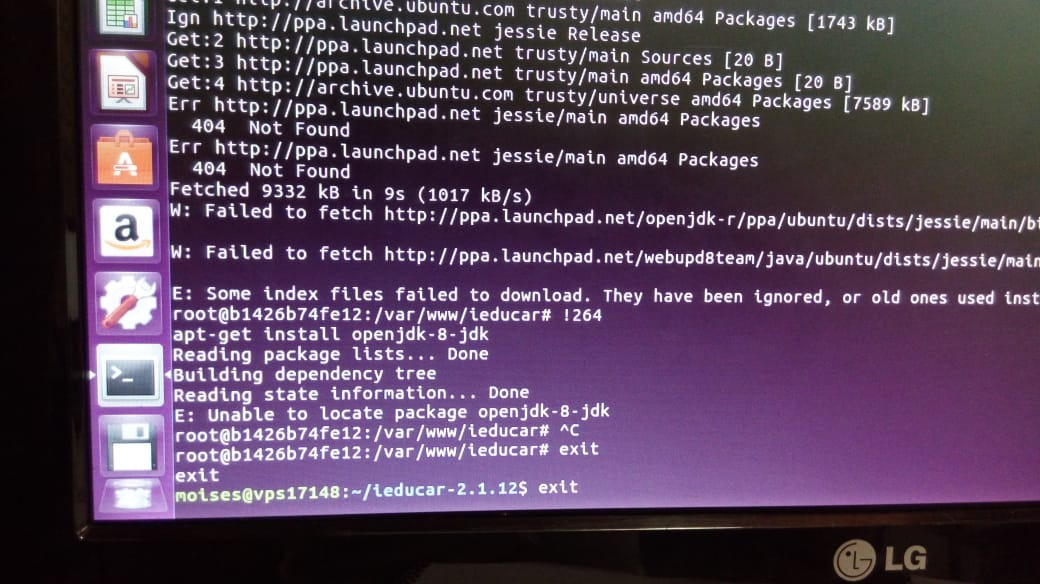
O bom da release 2.2.14 que ele força a instalação correta do java.
Dentro do contêiner php tens como ver qual SO e versão está rodando? As informações vindas do comando lsb_release -a já servem.
Obrigado.
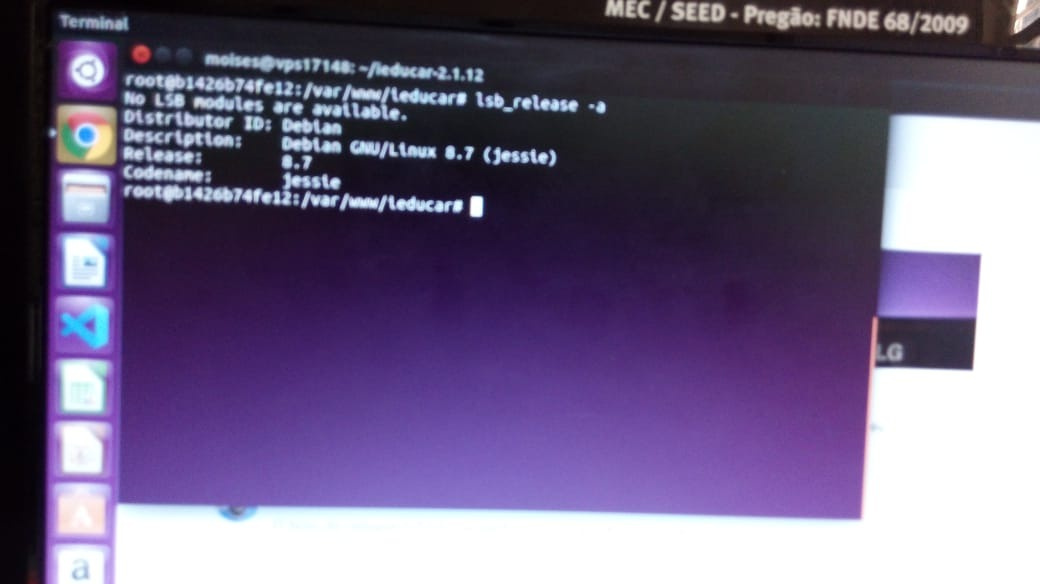
Tenta o seguinte, só não consegui testar aqui.
- Adiciona a seguinte entrada no source list:
deb http://http.debian.net/debian jessie-backports main
Depois:
sudo apt-get update
sudo apt-get install -t jessie-backports openjdk-8-jdk
sudo update-java-alternatives --set java-1.8.0-openjdk-amd64
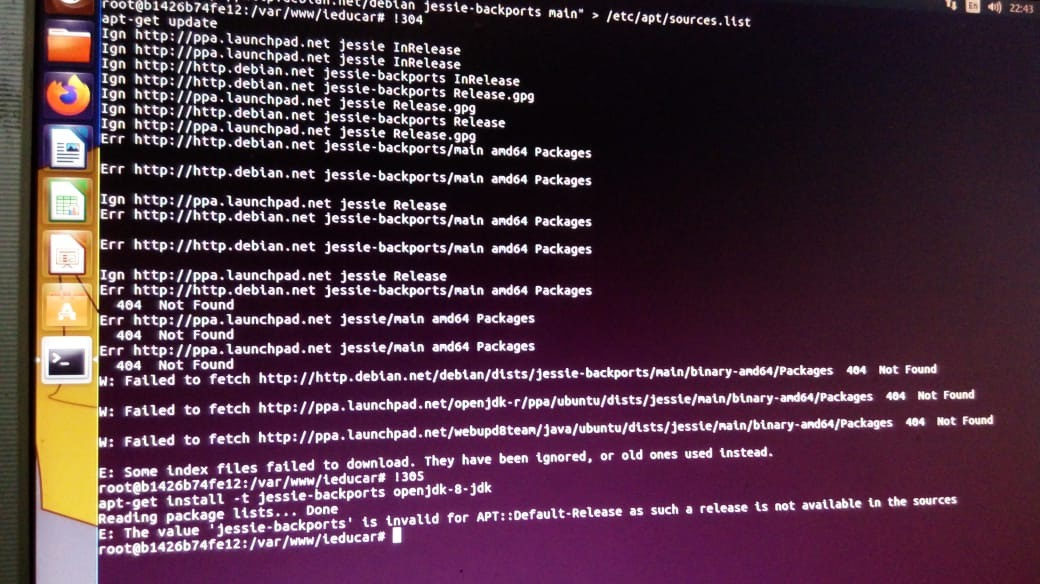
Oi @Moises estou no celular. Parece que Debian mudou o lugar dos repositórios, por isso o erro 404 quue você vem encontrando.
Dá uma olhada nesse tópico, vais ver o caminho atualizado do source list. Só coloca o correto e seguir os demais passos.
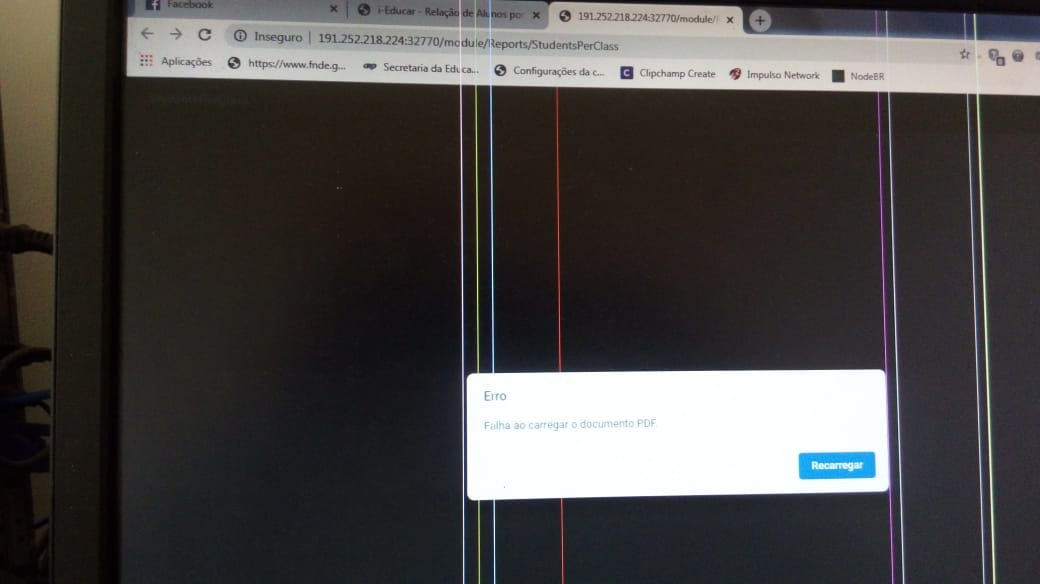
Como vc pode obsevar existe um unovo erro agora!
São todos os relatórios? Qual release dos relatórios estás utilizando? O que há no log quando você emite um relatório? Qual as permissões da pasta ieducar/modules/Reports/ReportSources?
Alguem ja viu este erro?
Instalei o fpdf e dei permissão nas pastas e mesmo assim continua dando pau!

Consegue postar o log da aplicação? Lá pode nos ajudar a entender porque não encontrou. Só print é muito genérico.
Vc pode me passar o caminho desses logs, pois eu não estou localizando.
Oi. Em ieducar/storage/logs.
Tem 4 aquivos e todos com as datas do mes 11 w não existem logs atuais. Vou colocar as ultimas linhas!
Segue últimas linhas do log:
#32 /var/www/ieducar/vendor/symfony/console/Application.php(908): Illuminate\Console\Command->run(Object(Symfony\Component\Console\Input\ArgvInput), Object(Symfony\Component\Console\Output\ConsoleOutput))
#33 /var/www/ieducar/vendor/symfony/console/Application.php(269): Symfony\Component\Console\Application->doRunCommand(Object(App\Console\Commands\LegacyDatabaseCommand), Object(Symfony\Component\Console\Input\ArgvInput), Object(Symfony\Component\Console\Output\ConsoleOutput))
#34 /var/www/ieducar/vendor/symfony/console/Application.php(145): Symfony\Component\Console\Application->doRun(Object(Symfony\Component\Console\Input\ArgvInput), Object(Symfony\Component\Console\Output\ConsoleOutput))
#35 /var/www/ieducar/vendor/laravel/framework/src/Illuminate/Console/Application.php(89): Symfony\Component\Console\Application->run(Object(Symfony\Component\Console\Input\ArgvInput), Object(Symfony\Component\Console\Output\ConsoleOutput))
#36 /var/www/ieducar/vendor/laravel/framework/src/Illuminate/Foundation/Console/Kernel.php(122): Illuminate\Console\Application->run(Object(Symfony\Component\Console\Input\ArgvInput), Object(Symfony\Component\Console\Output\ConsoleOutput))
#37 /var/www/ieducar/artisan(37): Illuminate\Foundation\Console\Kernel->handle(Object(Symfony\Component\Console\Input\ArgvInput), Object(Symfony\Component\Console\Output\ConsoleOutput))
#38 {main}
"}
root@b1426b74fe12:/var/www/ieducar/storage/logs#
Seria importante você entender pq não está gerando o log, pois sem ele é bem complicado diagnosticar.
O log do nginx deve estar gerando, talvez dê algum indício do erro.
como faço para entrar em contato com o amigo
Boa tarde estou fazendo uma instalação nova através do docker e está ocorrendo este erro durante a instalação
    C:\i-educar>docker-compose exec php composer new-install
Loading composer repositories with package information
Installing dependencies (including require-dev) from lock file
Nothing to install or update
Package jakub-onderka/php-console-color is abandoned, you should avoid using it. Use php-parallel-lint/php-console-color instead.
Package jakub-onderka/php-console-highlighter is abandoned, you should avoid using it. Use php-parallel-lint/php-console-highlighter instead.
Package moontoast/math is abandoned, you should avoid using it. Use brick/math instead.
Generating optimized autoload files
> Illuminate\Foundation\ComposerScripts::postAutoloadDump
> @php artisan package:discover --ansi

   Doctrine\DBAL\Driver\PDOException  : SQLSTATE[08006] [7] could not translate host name "postgres" to address: Name or service not known

  at /var/www/ieducar/vendor/doctrine/dbal/lib/Doctrine/DBAL/Driver/PDOConnection.php:31
    27|             parent::__construct($dsn, (string) $user, (string) $password, (array) $options);
    28|             $this->setAttribute(PDO::ATTR_STATEMENT_CLASS, [PDOStatement::class, []]);
    29|             $this->setAttribute(PDO::ATTR_ERRMODE, PDO::ERRMODE_EXCEPTION);
    30|         } catch (\PDOException $exception) {
  > 31|             throw new PDOException($exception);
    32|         }
    33|     }
    34|
    35|     /**

  Exception trace:

  1   Illuminate\Foundation\Application::Illuminate\Foundation\{closure}(Object(App\Providers\AppServiceProvider))
      [internal]:0

  2   PDOException::("SQLSTATE[08006] [7] could not translate host name "postgres" to address: Name or service not known")
      /var/www/ieducar/vendor/doctrine/dbal/lib/Doctrine/DBAL/Driver/PDOConnection.php:27

  Please use the argument -v to see more details.
Script @php artisan package:discover --ansi handling the post-autoload-dump event returned with error code 1
Script @composer install handling the new-install event returned with error code 1
utilizo windows 10, estou tentando instalar a versao do ieducar 2.3 e seguindo o tutorial de instalação GitHub - portabilis/i-educar: Lançando o maior software livre de educação do Brasil!
Parece que o postgres não está levantado. Chegou a dar uma olhada nisso?
O comando docker-compose ps vai listar os containers rodando, o postgres precisa estar nessa lista
Sempre que tento executar no docker ele da esse erro:
ieducar-postgres | FATAL: data directory "/var/lib/postgresql/data" has wrong ownership
ieducar-postgres | HINT: The server must be started by the user that owns the data directory.
ieducar-postgres exited with code 1
Name Command State Ports
ieducar-nginx /docker-entrypoint.sh ngin … Up 0.0.0.0:32770->80/tcp
ieducar-php docker-php-entrypoint php-fpm Up 9000/tcp
ieducar-postgres docker-entrypoint.sh postgres Exit 1
ieducar-redis docker-entrypoint.sh redis … Up 0.0.0.0:32768->6379/tcp
executei o comando e deu esse resultado
Parece o problema de permissão nos volumes que eu te falei no outro tópico. Você fez o ajuste nos settings do docker?
Fez o build novamente depois disso?
ieducar-postgres docker-entrypoint.sh postgres Exit 1 Isso indica que o postgres não está rodando, por isso o erro anterior quando você rodou o new-install